
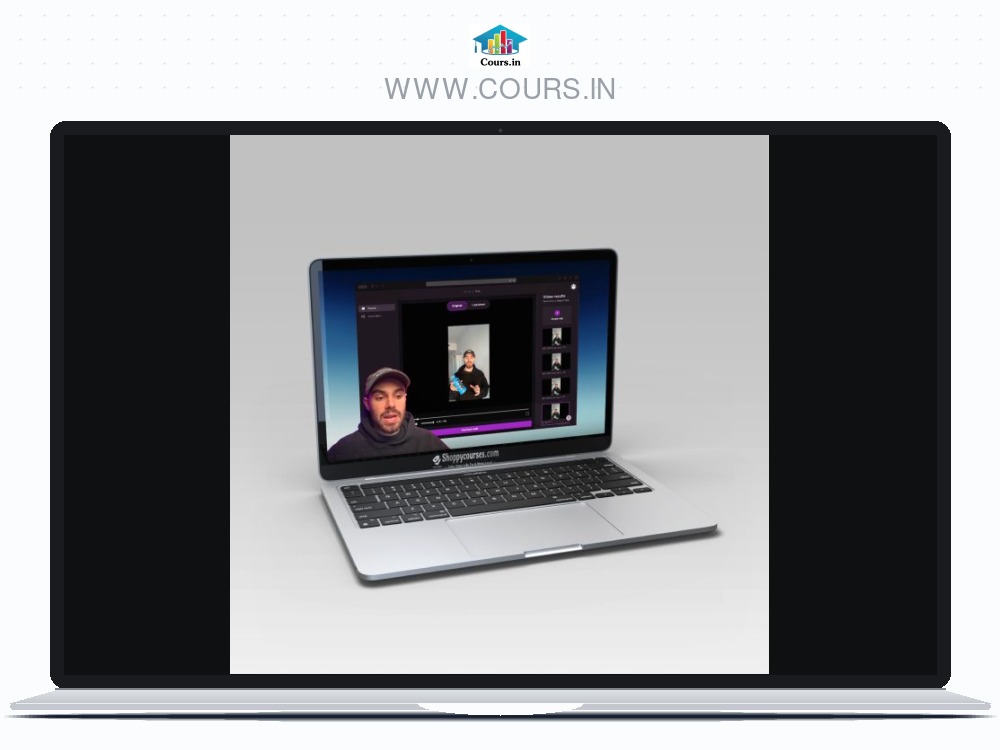


Sale Page: https://stan.store/heysirio/p/stepbystep-guide-to-advanced-ai-face-replacement
This step-by-step walkthrough will show you how to use Hunyuan Flow Edit to transform videos in ways you’ve never imagined—like swapping out faces, characters, or even objects seamlessly, while keeping the video’s natural motion, lighting, and consistency intact.
What’s Inside In Guide to Advanced AI Face Replacement + Workflow:
- Hunyuan V2V + Flow Edit on Workflow
- Step-by-Step Guide to Setting Up Hunyuan Flow Edit on ComfyUI
- Setting Up ComfyUI on Runpod
- Easy Workflow for Face Replacement
- Links to Celebrity and Custom Models
- Pro Tips for Maintaining Motion, Lighting, and Realism
- Example Work
With this guide, you’ll bring your wildest ideas to life, making edits that are both magical and believable.
Here’s what you’ll be able to do after following this guide:
Create Seamless Face Actor Deepfakes:
Replace actors’ faces or characters with AI-powered precision for film production, ads, or personalized content.
Transform Video Elements While Keeping It Real:
Swap out objects, characters, or entire faces, ensuring smooth transitions, frame-to-frame consistency, and flawless lighting adjustments.
Unlock Creative Potential with Flow Consistency:
Make edits that feel natural and cinematic—no flickering, no mismatched frames.
BONUS – Use Celebrity and Custom AI Models:
Blend faces of your favorite celebrities (like Jennifer Lawrence or John Wick) or custom AI-generated ones into your videos with incredible realism.
This guide is perfect for you if you want to:
- Experiment with actor face replacements and dynamic video edits
- Learn how to seamlessly transform video elements like characters and environments
- Harness cutting-edge AI tools to create stunning, professional-looking results


